September 26th 2013
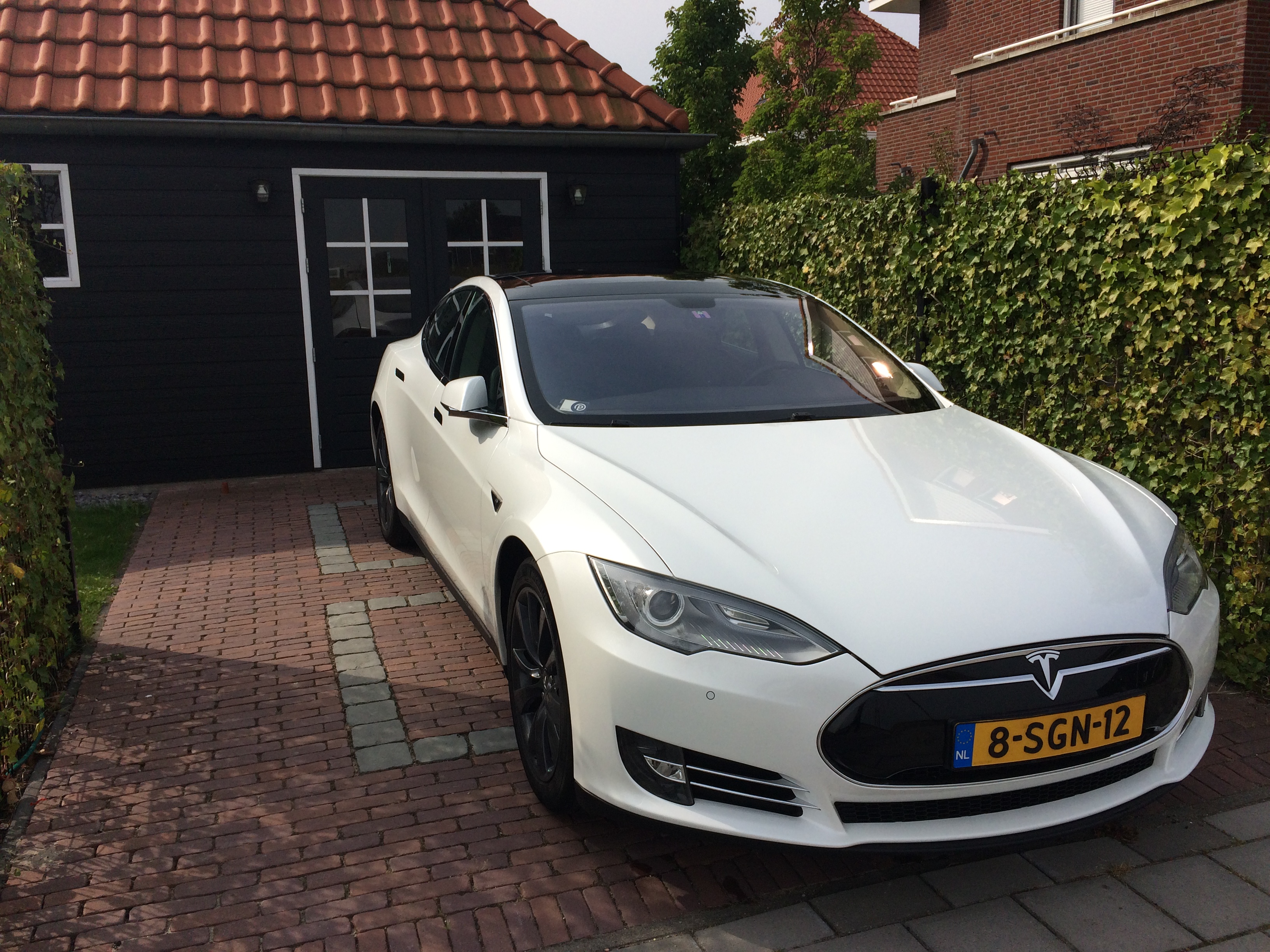
On 26-09-2013 the day had finally arrived: Delivery of my Tesla Model S!
In the morning my Delivery Specialist send me this picture asking me if I was ready (with a smiley behind it 😉 ).
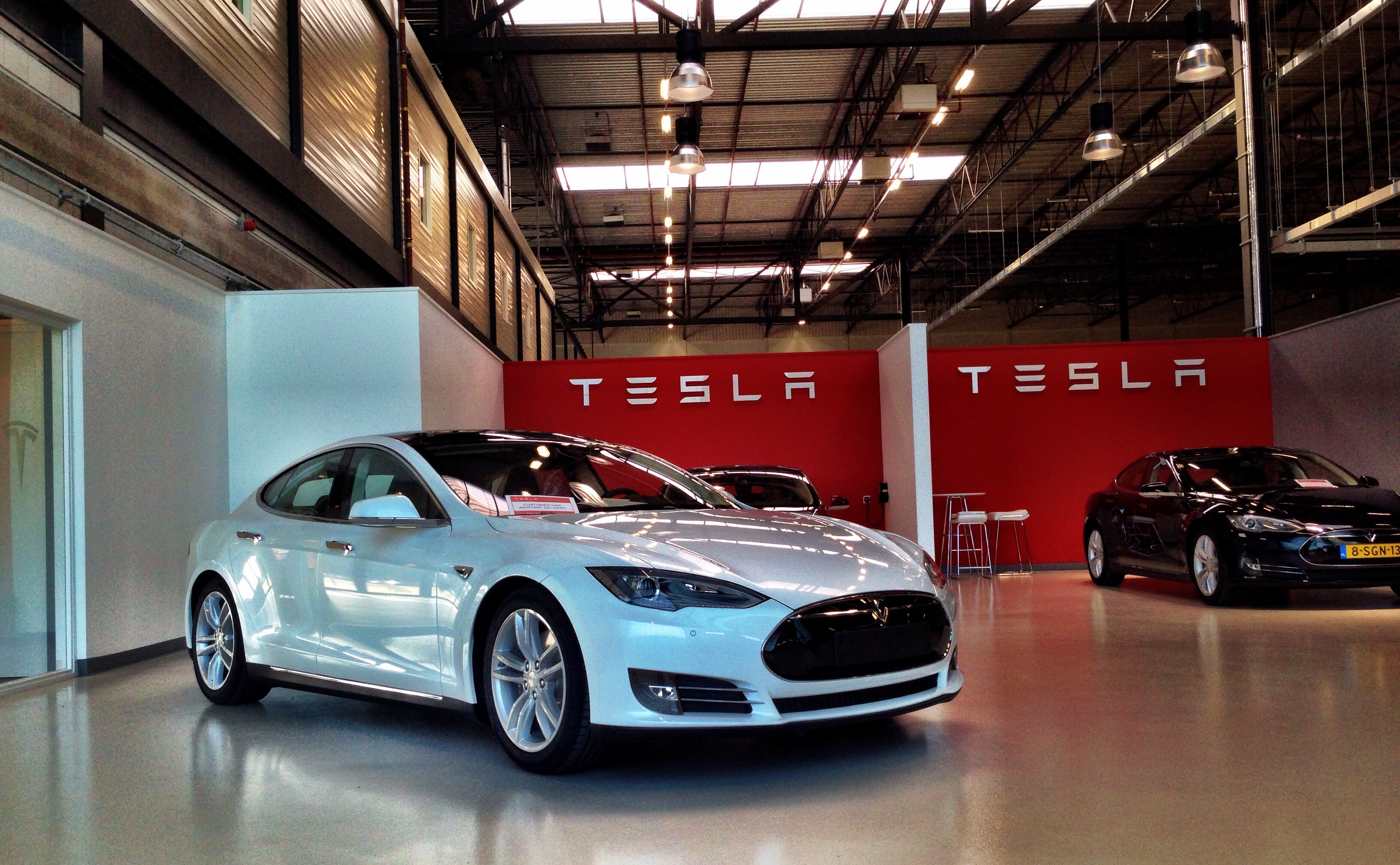
It was 3 years since I ordered my Model S, so I couldn’t wait to pick it up! (In the back you see the Blue Model S of my colleague)
Specifications
These are the options I chose for my Model S:
- 85kWh non-performance (RWD)
- Pearl White
- All Glass Panoramic Roof
- Base 19″ wheels
- Black Nappa Leather Interior
- Piano Black Décor
- Tech Package
- Sound Studio Package
- Active Air Suspension
- Lighting Package
- Parking Sensors
- Twin Chargers (22kW)
Price: EUR 97.890,00 (Including all taxes)
Afterwards I swapped the 19″ base wheels for the 19″ Cyclone Grey. These wheels are no longer available.
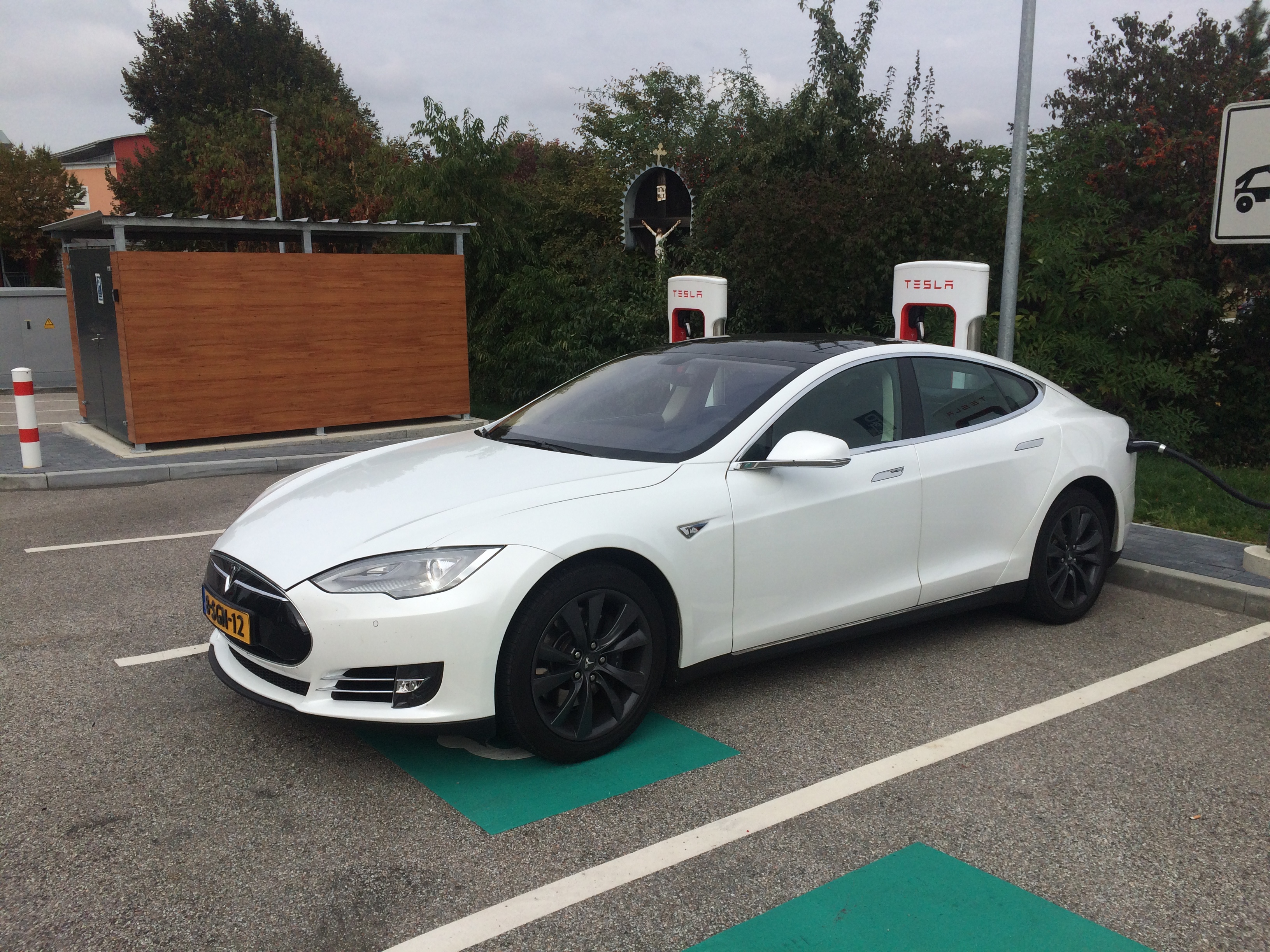
September 2016
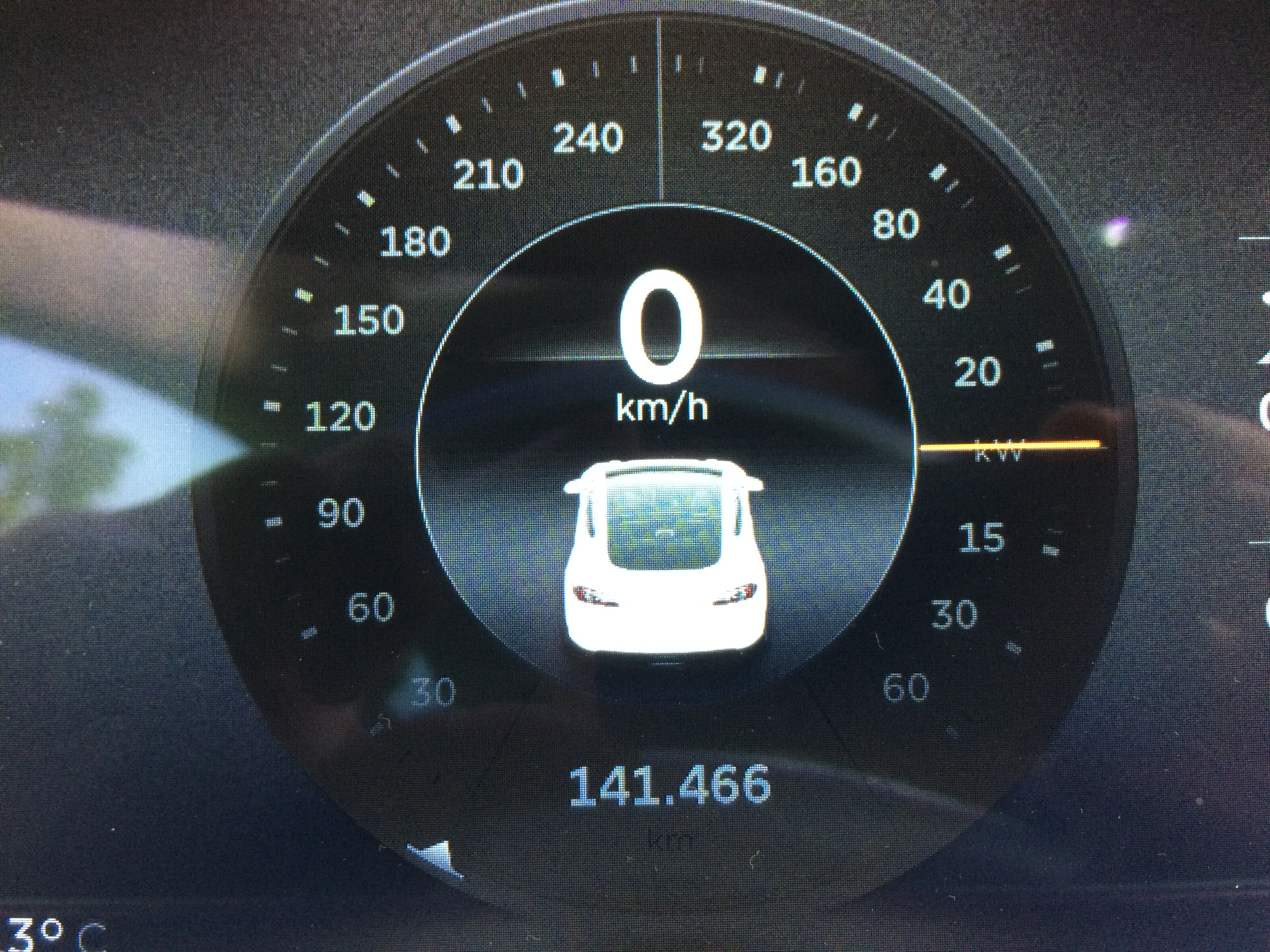
Fast forward 3 years and 141.466km: I’m still super happy with my Model S. Best car ever, hands down.
The 100.000km mark was hit at November 14th 2015 as I was almost home. Literally, I was just 200m away from my house. So I could stop I take a good picture.
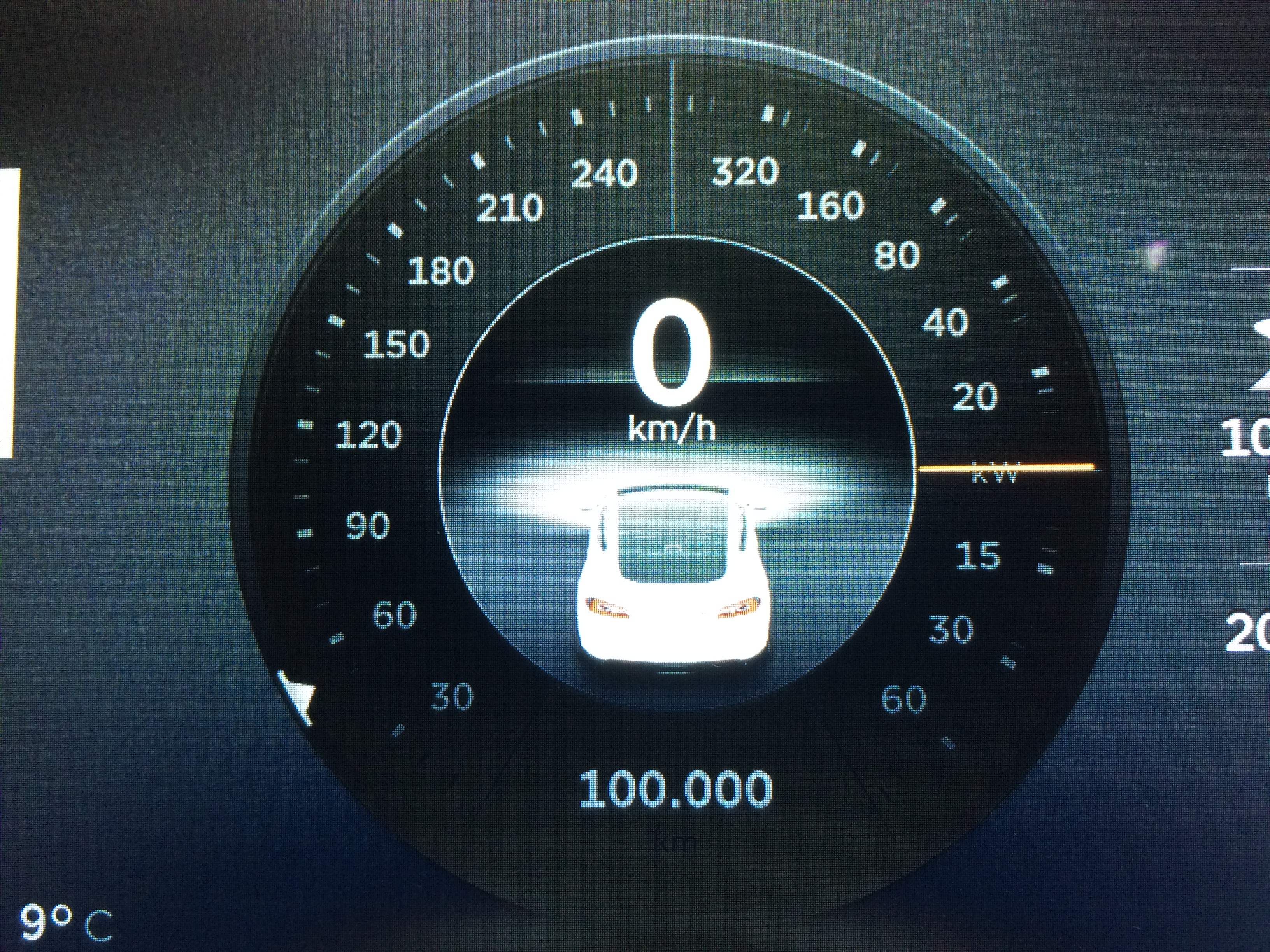
Now, 3 years later it is well over 141.000km and will probably hit 150.000km somewhere in October.
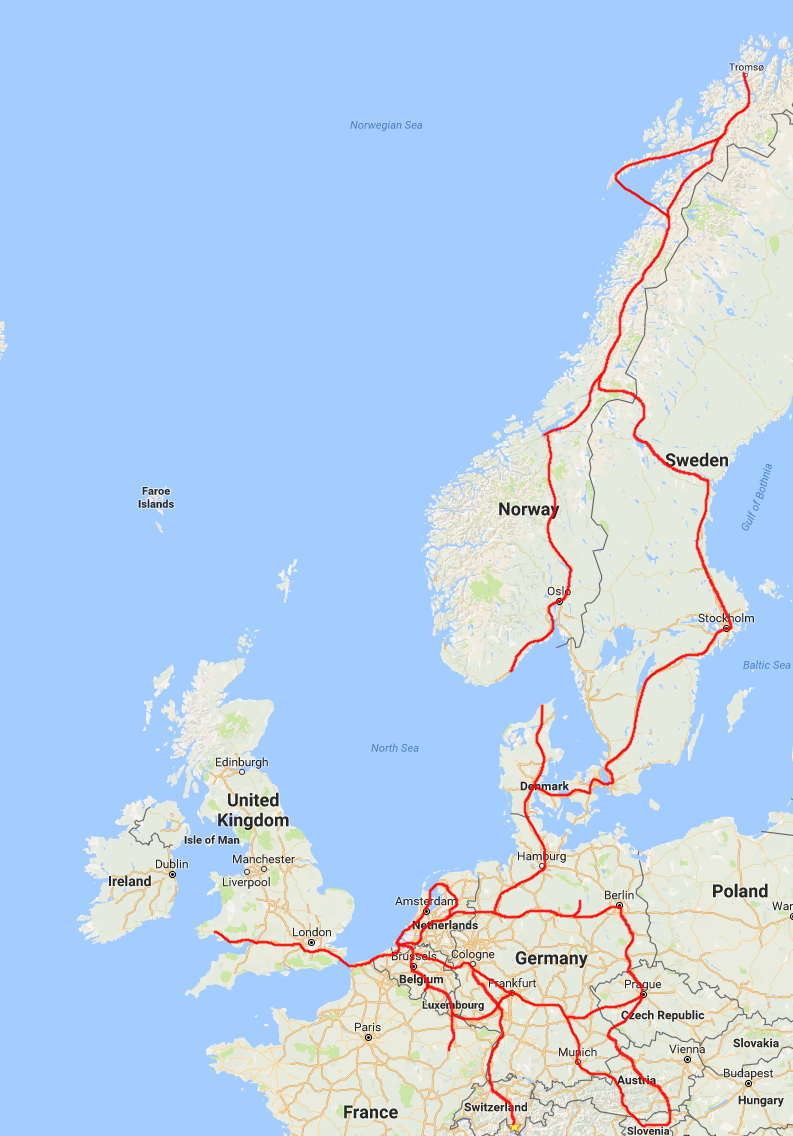
The roadtrips I did in these 3 years were all over Europe:
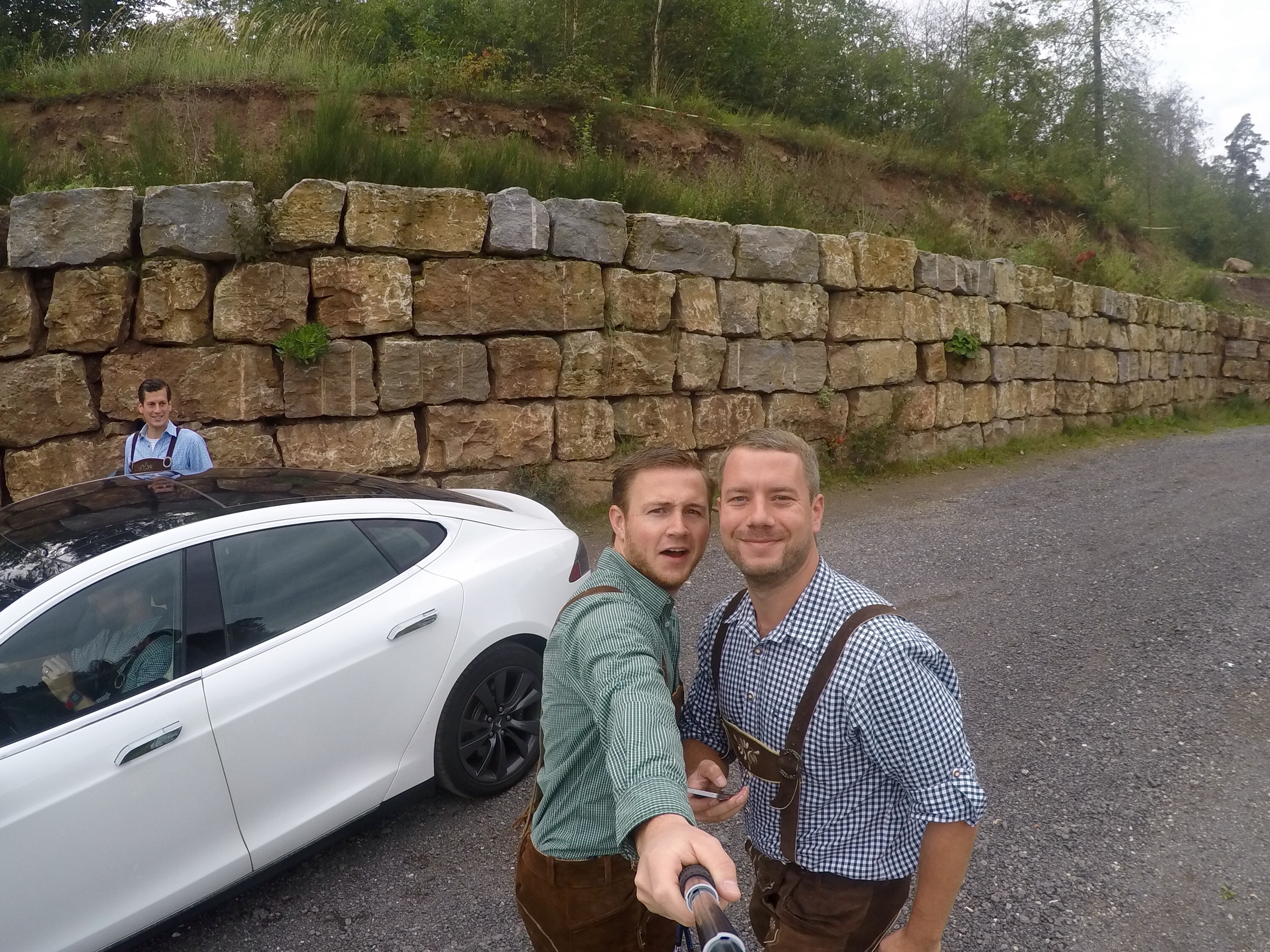
- 3x: Octoberfest in München (DE): 2.000km
- 3x: To Prague (CZ): 2.2000km
- 3x: To Berlin (DE): 2.000km
- 2x: Northern Norway above the Arctic circle: 6.000km
- 2x: Summer roadtrip to Germany, Austria, Italy and Switzerland: 3.500km
- 1x: To Swansea in Wales (UK): 1.500km
Each of these trips were with either friends or my girlfriend. Awesome trips, each of them. All powered by the ever expanding SuperCharger network.
Over the Air software updates
Due to the over the Air software updates the car only got better and better in these 3 years. A few things (but not all of them) which were added:
- Trip Planner using SuperChargers
- Spotify integration (awesome!)
- New UI
- Calender sync
- Slightly improved efficieny
All for free and while my car was parked at home. My other cars never got better over time, they always got worse.
Problems
In three years I’ve driven my car to a lot of places in Europe (see below). From the cold in Norway to the heat of Italy.
Did I have some issues? Yes, but to be clear: I was never stranded! It did not malfunction in such a way that it was disabled.
So what did I experience?
- Humming drivetrain. It was replaced 3 times under warranty
- Main contactor failure in battery. Reboot of car worked and contactor was replaced.
- Fogging rear lights
- Slave charger failure. Causing reduced charging speed with AC charging
- Window washer pump failure.
Again, none of these issues left me stranded along the road. They were also all fixed under warranty except for the window washer pump. That was EUR 100 in total.
Maintenance
In total my S went for service 3 times. I figured once every year would be enough. I paid two invoices of EUR 700,00 each. The other ones were discounted from the referral credit I have at Tesla.
Including the washer fluid pump my total expenses on service and maintenance were EUR 800,00. Not bad I would say!
Energy Consumption
About 70% of my charging is done at home, the rest at SuperChargers and other (public) chargers.
There is a kWh meter in front of my charging station at home and I’ve used about 20.000kWh. Judging from my 70% ‘charge at home’ assumption my total energy usage in 3 years was roughly 28.000kWh.
28.000kWh / 141.000km = 198Wh/km, which is about what I see in my general consumption in the car.
Roadtrips
As I wrote above I undertook multiple Roadtrips in the three years, but the best trips I did were the trips to Wales, Norway and to Slovenia. I wrote blogs about two of them:
I didn’t write a blogpost about my roadtrip through Europe in June 2015, but you can see the route below (Prague, Austria, Slovenia, Austria, Germany, Netherlands).
I tried to draw the routes I’ve driven on a Google Maps overview.
Highlights
In the threee years I still think my trips to the Arctic are the highlights for me. However, there were more highlights, so I gathered a bunch of pictures I took and added them below in a random order.
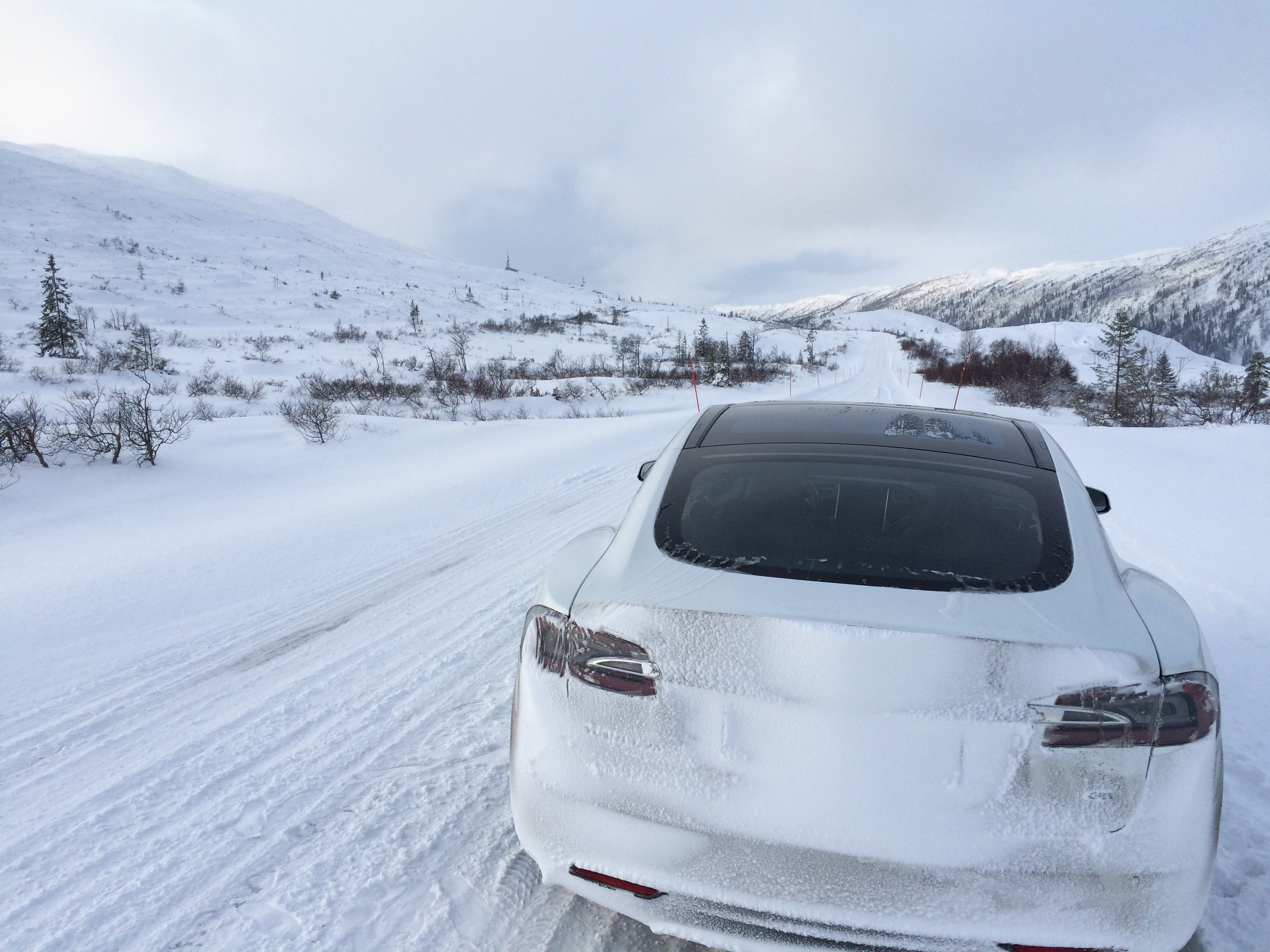
Route 74 between Norway and Sweden:
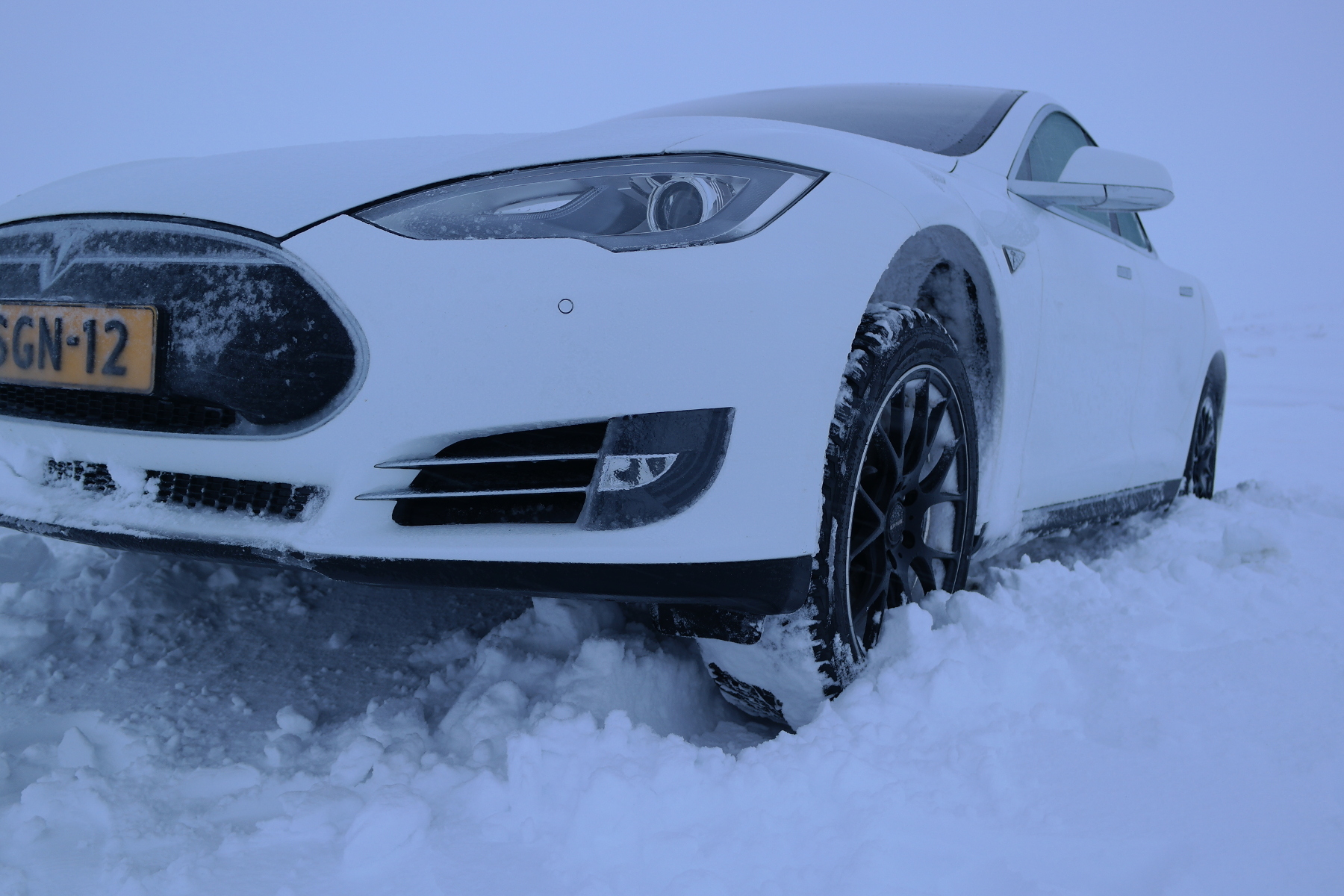
Stuck on the arctic circle in Norway:
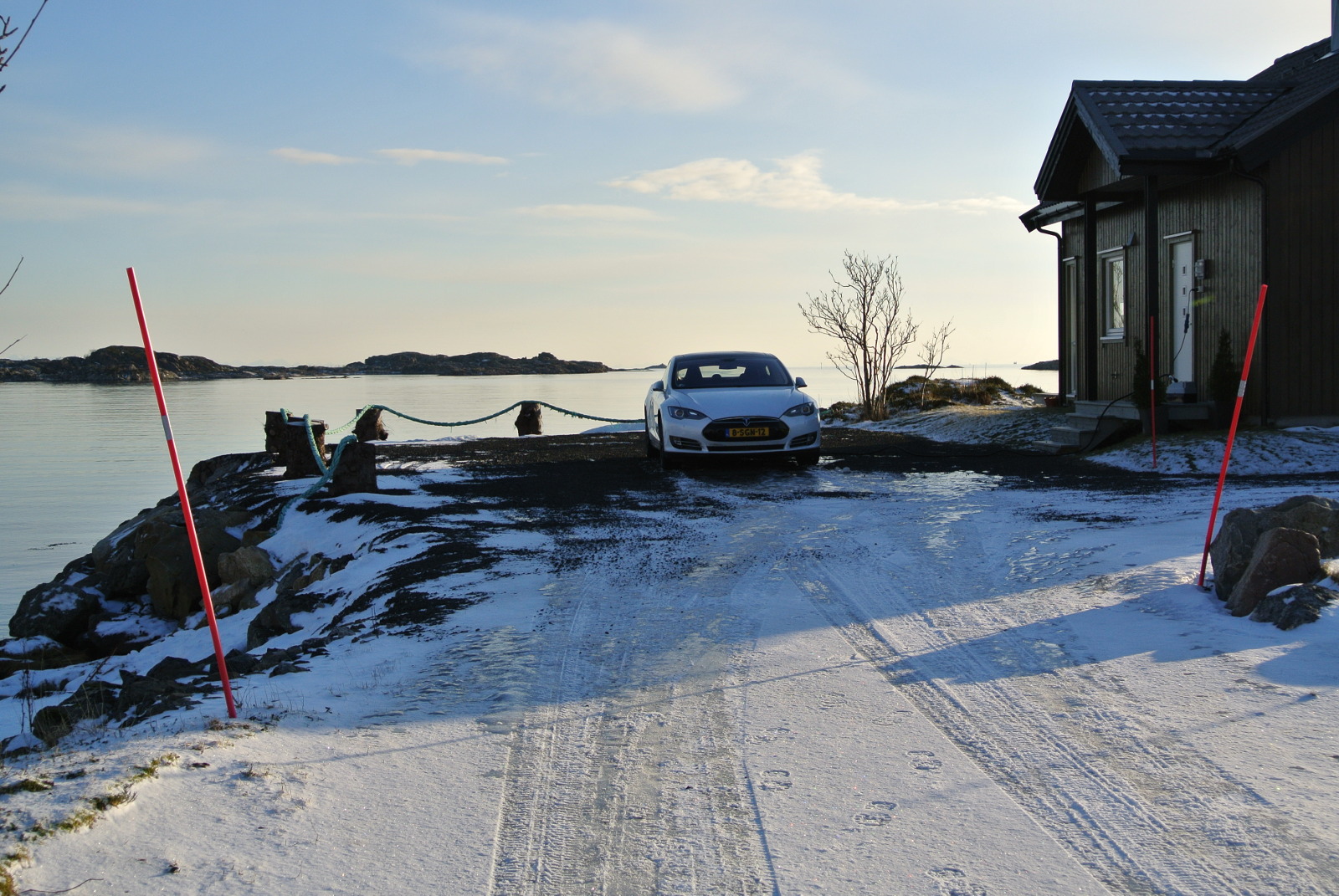
On the Lofoten Islands in Norway:

Octoberfest in München: (I’m the green blouse)
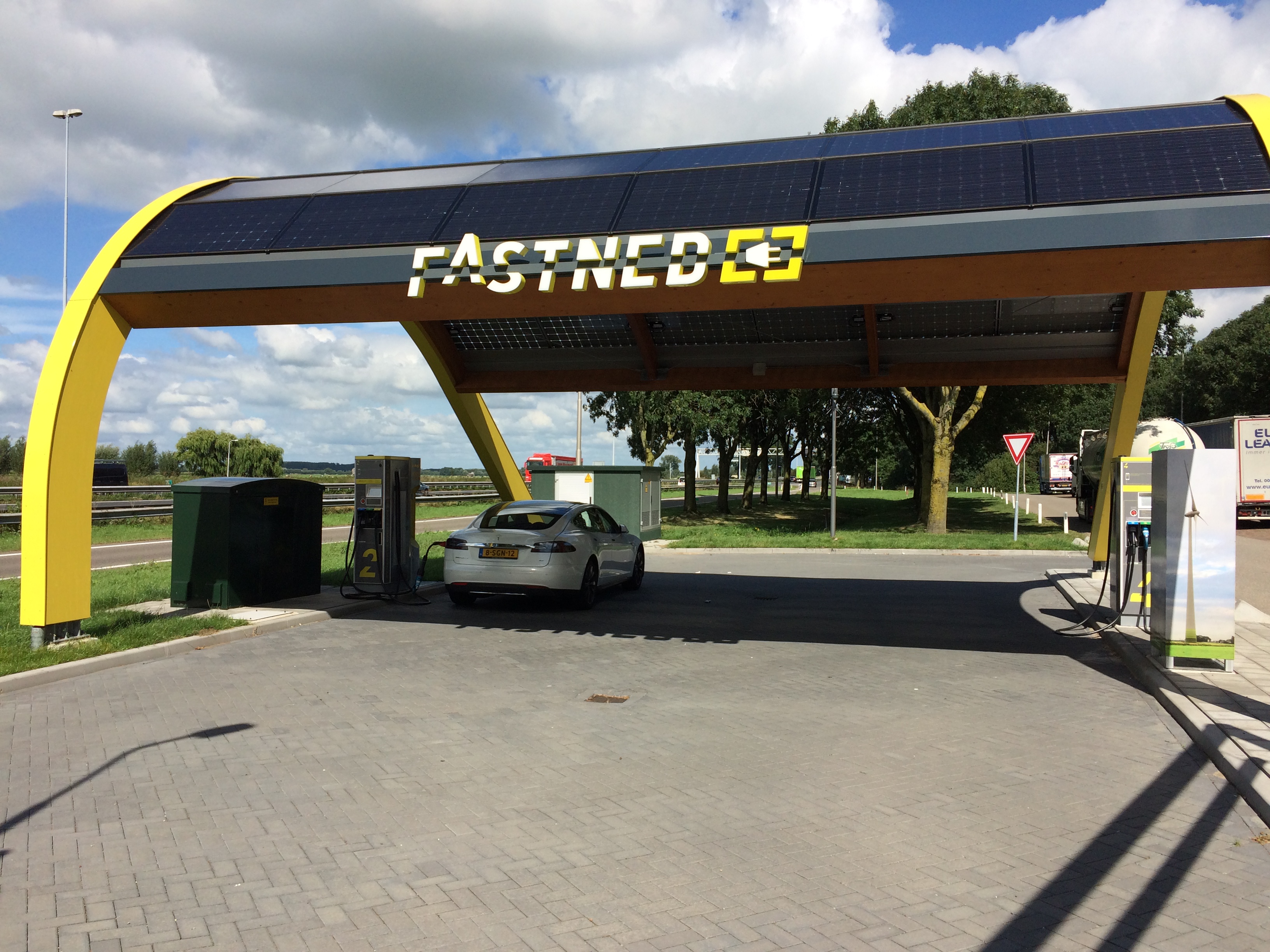
Charging at Fastned using 50kW CHAdeMO.
In the Belgian Ardennes:

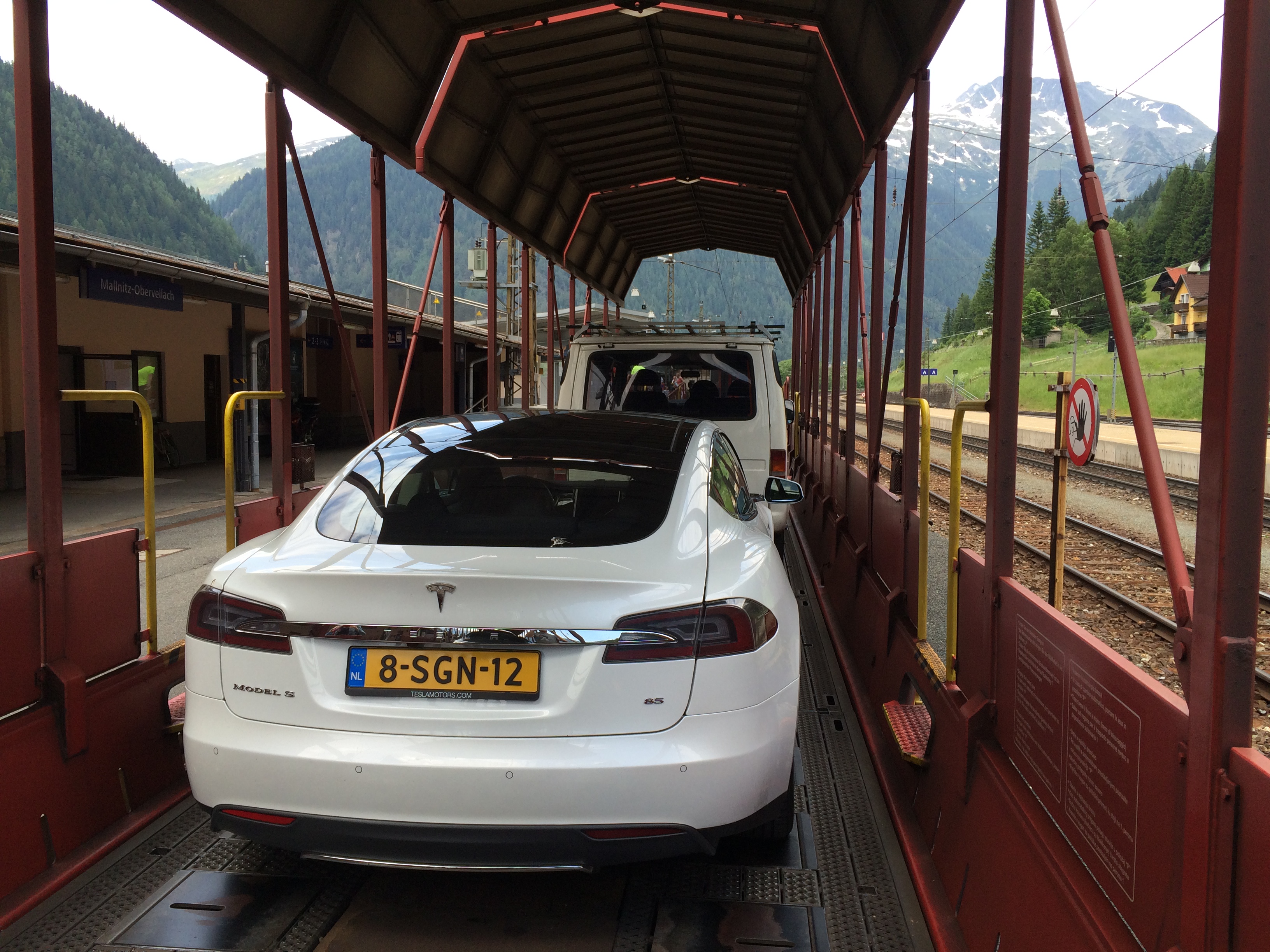
On a train in Austria going towards Bad Gastein:
At the Slovenian <> Italian border:

Conclusion
After owning a Audi A3 2.0TDI (2007), Toyota Auris Hybrid (2011) and BMW M5 E39 (1999) I can saw that Model S is the best car I’ve ever owned. I love driving it and still enjoy every KM. (Except when stuck in traffic….). Even without Autopilot it is still an amazing car!
People still come up to me to ask things about the car and are really interested.
As I said. Best car ever. Period. I will never by a car which burns fossil fuel again.
My deposit for Model 3 was made at the day they opened. Waiting!